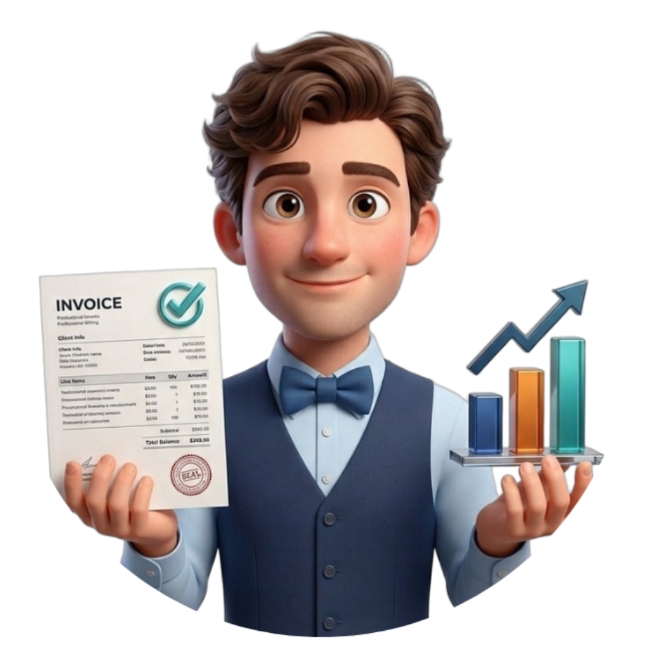
Simple invoicing and business reporting for small businesses.
Free, offline-first Android app for invoicing, bulk Excel import, business reports and everyday record management.
- Free to use
- Works offline
- Bulk Excel import
- Practical business reports
- Multiple items per invoice
Create invoices without the extra complexity.
Enter business data manually, add multiple items, and keep everyday invoicing straightforward.
Built for small businesses that want the essentials — not an ERP.
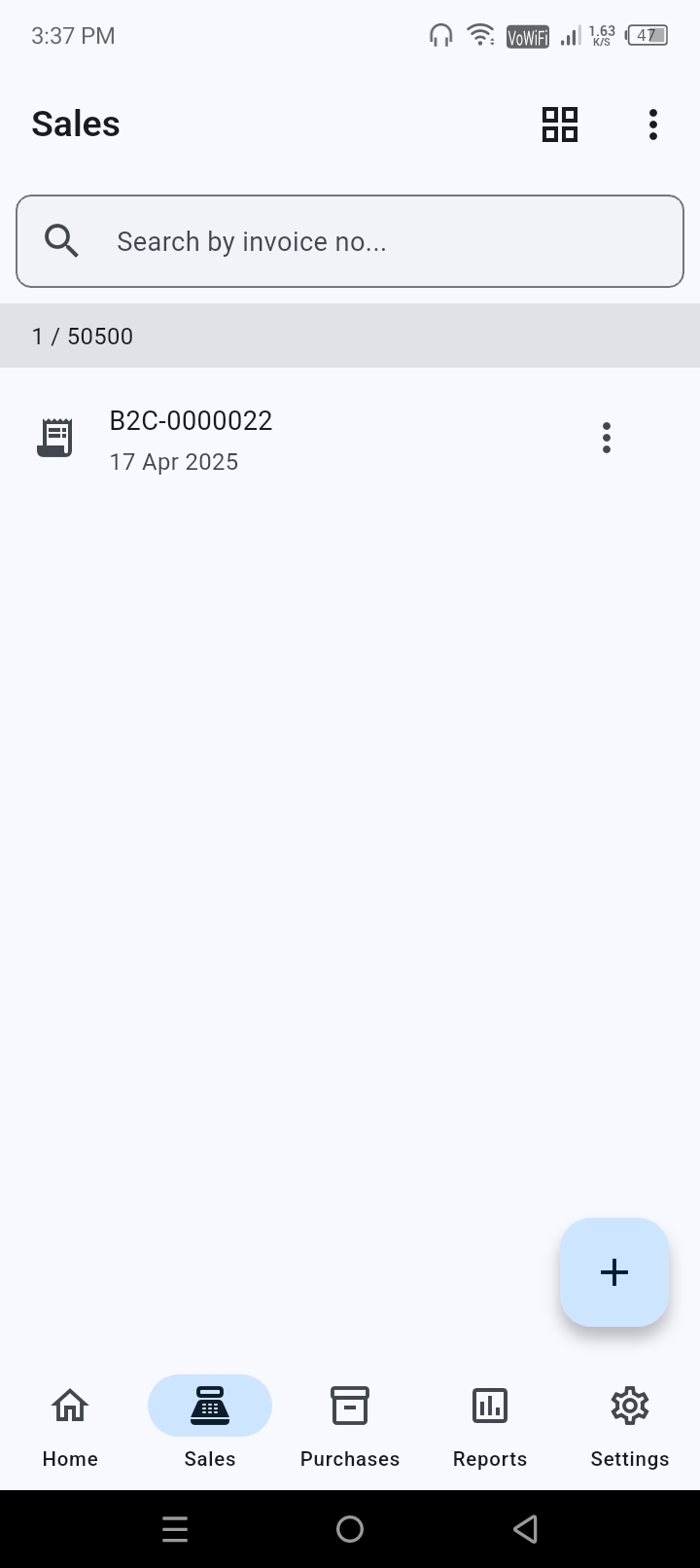
Already have thousands of records? Import them in bulk.
Use the official XLSX templates to bring invoice and item data into SahajBook efficiently. Multiple items per invoice are supported.
- B2B
- B2C
- Purchase
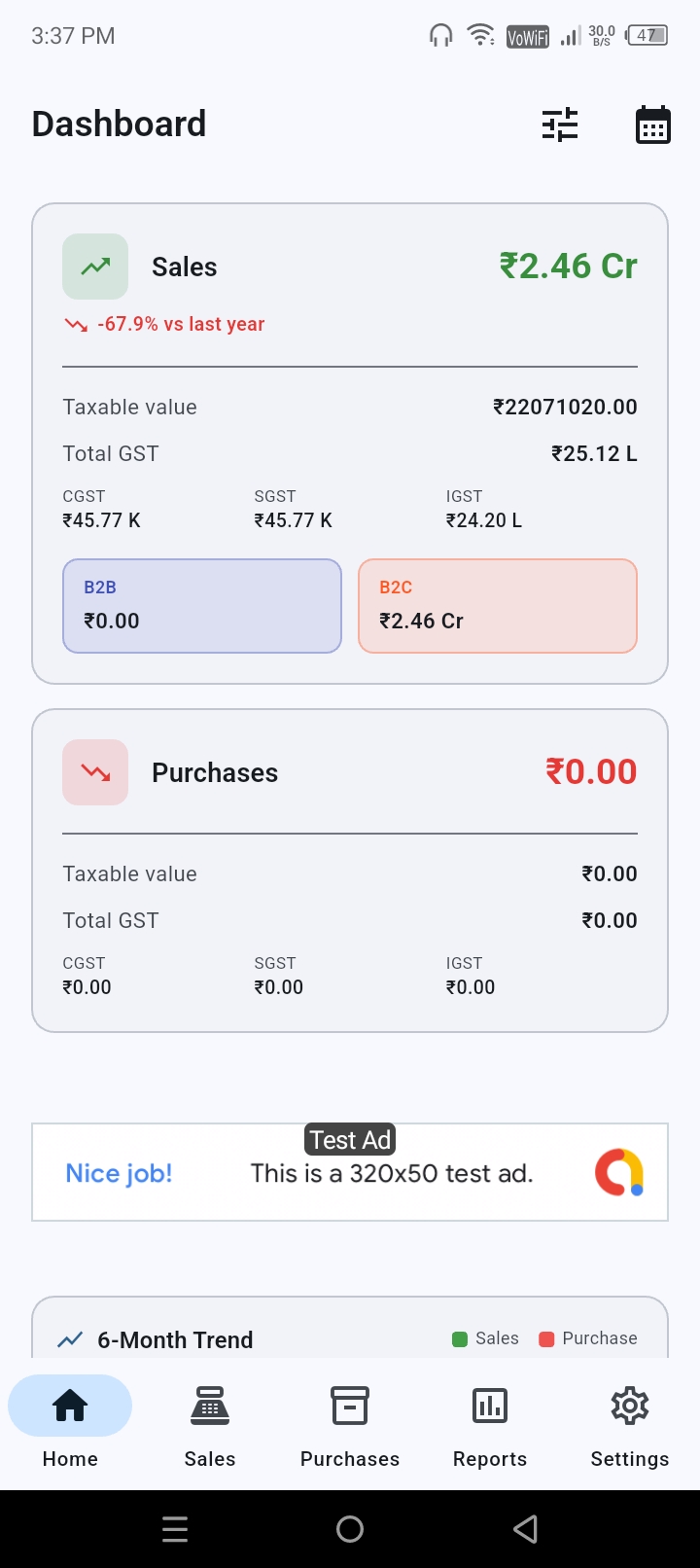
Know what is happening in your business.
Filter activity by this month, last month, this year, all time or a custom date range. Use dashboards and comparisons to understand sales and purchase activity.
Turn records into useful business insight.
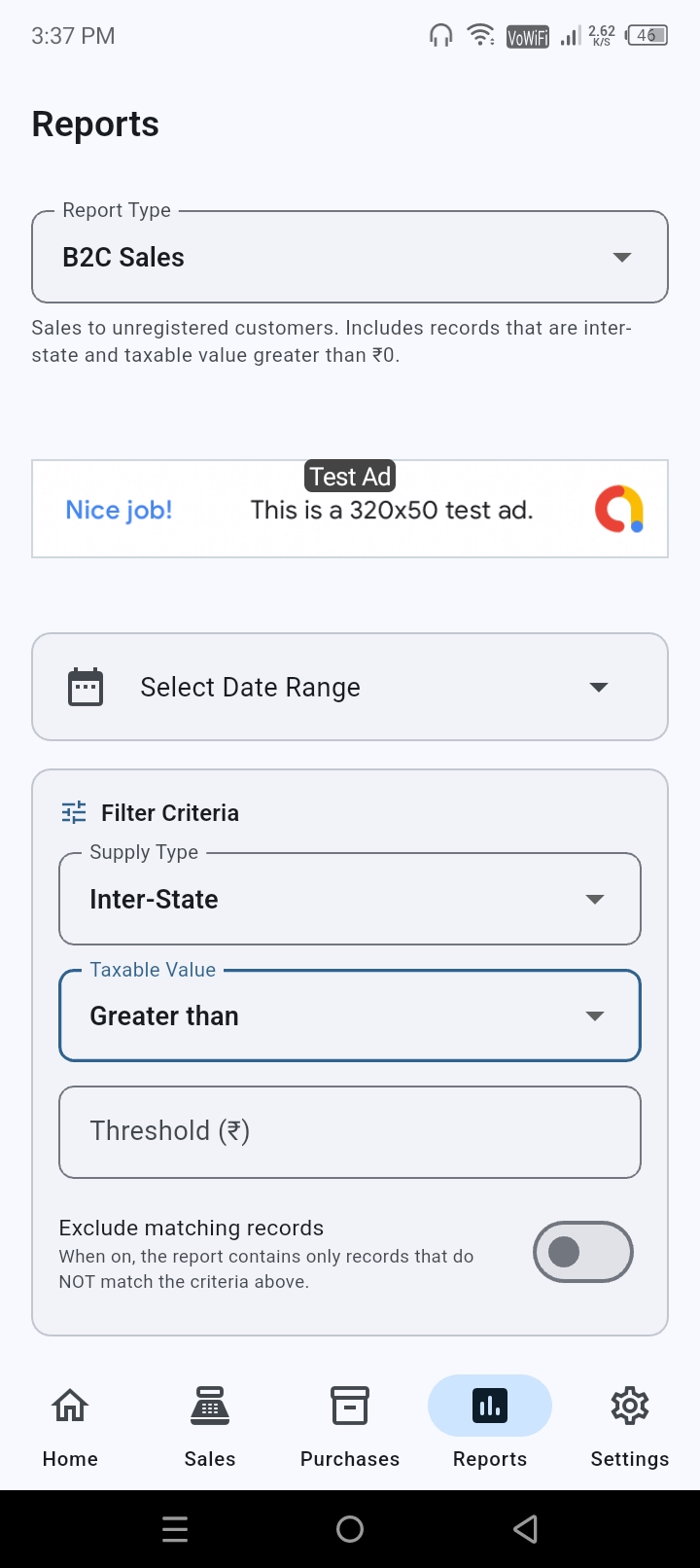
Reports that fit into your GST workflow.
Generate practical reports for review, preparation and reconciliation, including HSN summary, state-wise sales, GST summary, B2B sales, B2C sales and purchase reports.
SahajBook helps prepare the information you need. It is not a GST filing platform.
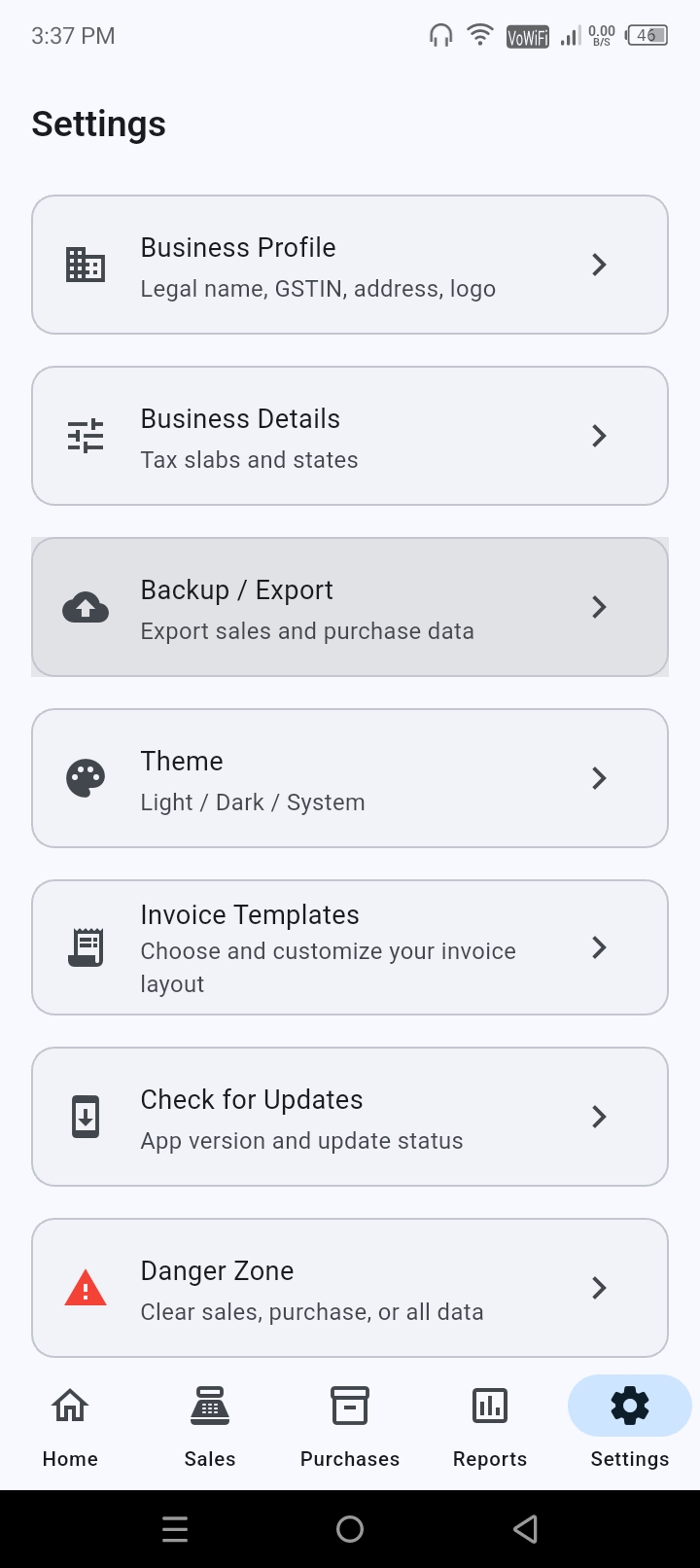
Check the templates before you install.
Download the blank B2B, B2C or Purchase template and see how the data is organized before you bring your records into SahajBook.
Download templatesHave a question before you install?
Is SahajBook free?
Yes. SahajBook is free to use and core app features are available without a paid subscription. The app is supported by minimal advertising.
Does SahajBook work without internet?
Yes. Core business functionality works offline. An internet connection is not required for the core workflow.
Can I import Excel data?
Yes. SahajBook supports XLSX import using the official B2B, B2C and Purchase templates.
Can one invoice have multiple items?
Yes. The templates and app workflow support multiple items per invoice.
Can I use the app for GST work?
SahajBook provides reports useful for GST preparation, review and reconciliation. It does not file GST returns and is not a GST filing platform.
Does it support e-Way bill?
No. SahajBook currently doesn’t support E-Way bill or invoice.
Is SahajBook an ERP?
No. SahajBook is designed as a practical invoicing, record-management and reporting tool for small businesses and MSMEs.
Does SahajBook upload my business records?
No. Core business records are kept and used locally by the app. The app does not upload or sync them to a cloud service.
Where can I save my exported files?
You choose where to save/export files, and you can rename them as needed.
Does the website track me?
The launch website is intended to be tracking-free and does not use analytics.
Where do I get the app?
SahajBook is available on Google Play for Android.
How to generate B2C large and B2C others report?
To download report like B2C others, Select report type “B2C”, then configure the “B2C large” criteria, and then toggle on the “Exclude”-which will exclude B2C large and remaining data will be B2C others.
How does EXCLUDE toggle work in report?
Exclude toggle is a unique and easiest feature by SahajBook to generate report by excluding the configured criteria. It is very useful in generating B2C large and B2C others data.
Ready to keep business work simple?
Get SahajBook on Google Play and start with the basics: invoicing, offline records, bulk Excel import and practical reports.